
Editing page content
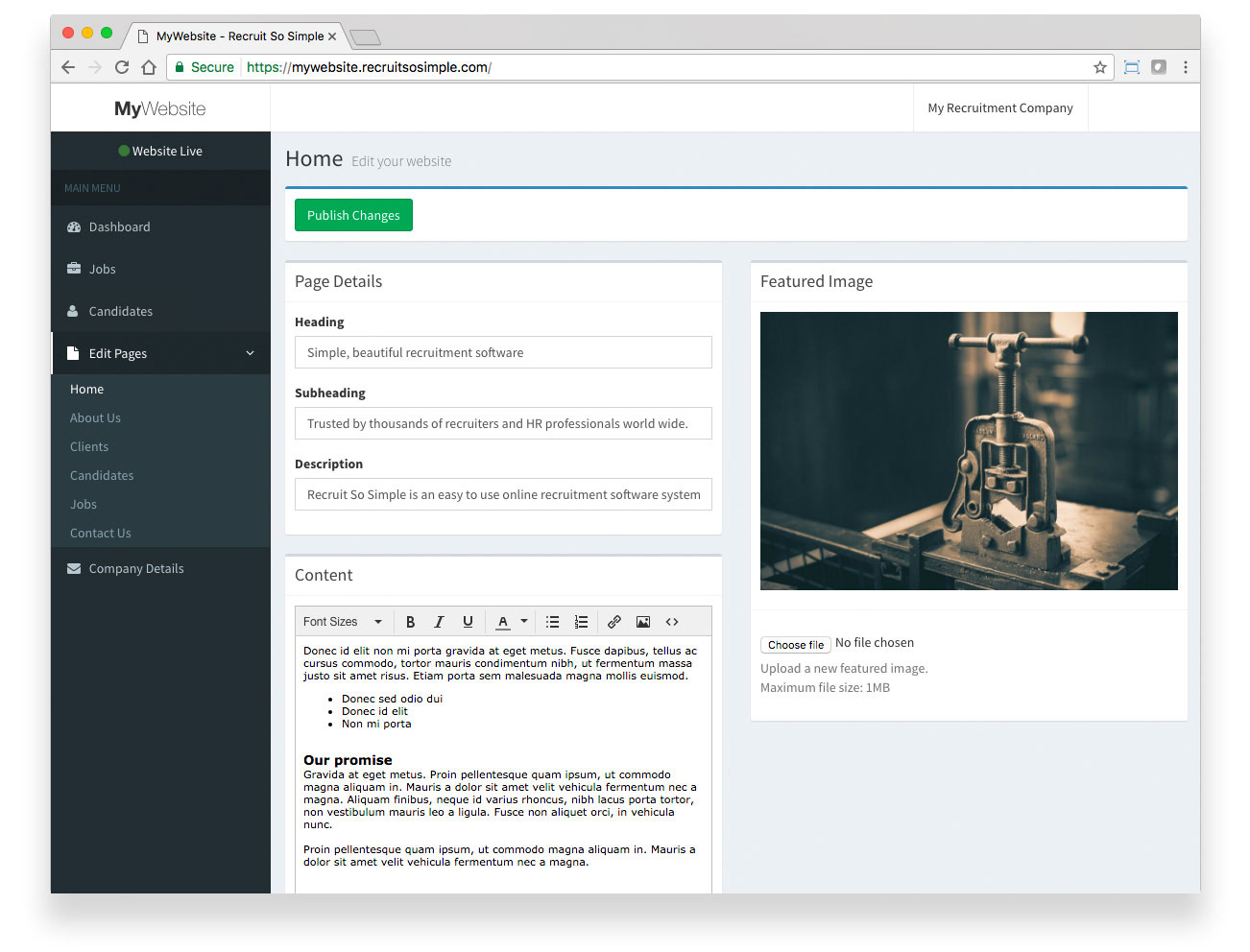
Options:
- Heading: Main page heading.
- Subheading: Subtitle or tag line.
- Description: Not visible on page, this is shown in search engine results.
- Content: Main page content and includes a range of formatting tools.
- Featured image: Where this is used will depend on your chosen template and design.
Company details
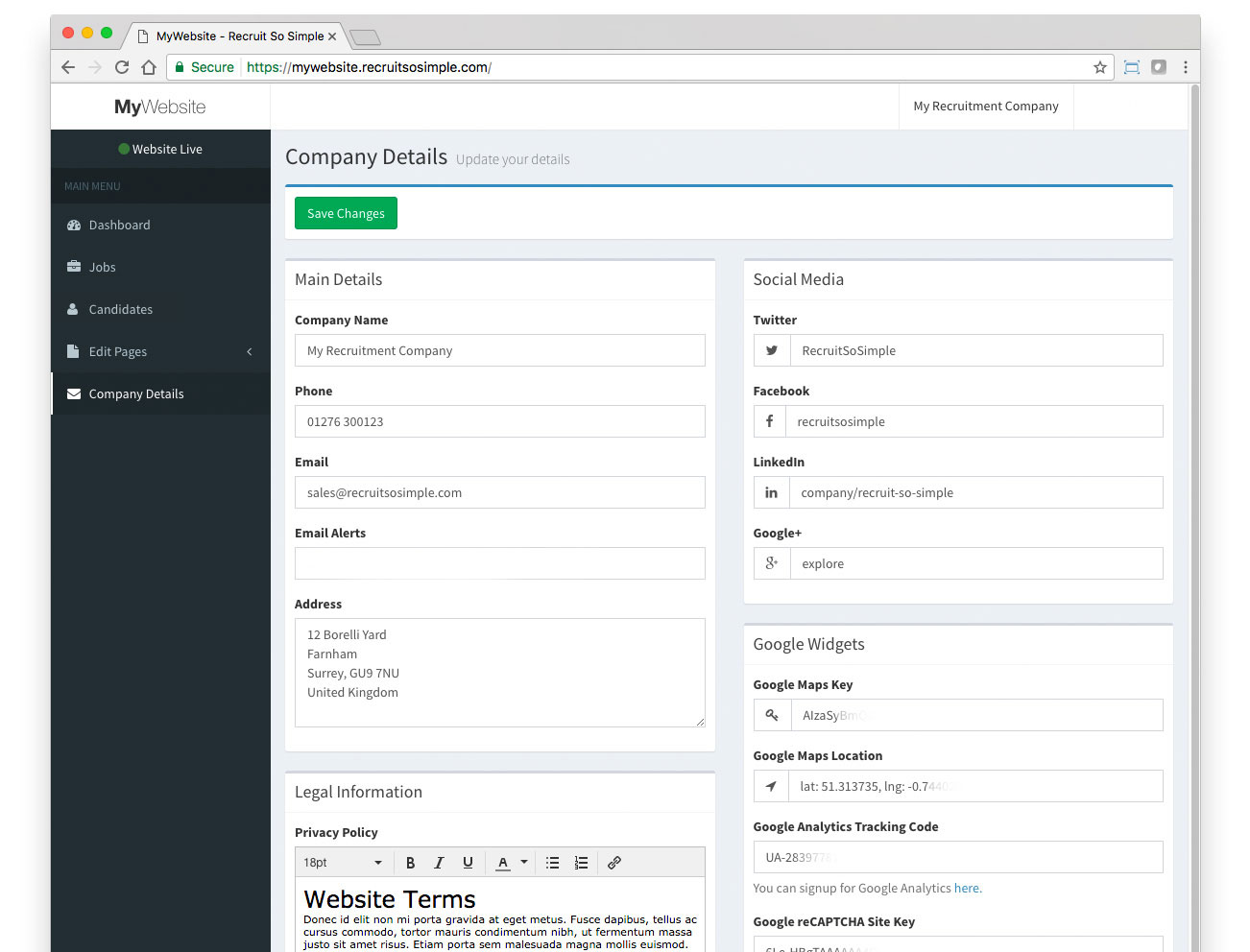
Options:
- Main Details: Address information and contact information will appear on your ‘Contact Us’ page
- Legal Information: Your terms of business, privacy and cookie policies go here.
- Candidate Registration Terms: This adds a mandatory checkbox that candidates must agree to before applying for a vacancy or registering their details. If you include the phrase privacy policy, a link to your Privacy Policy page will be created automatically. To disable the feature simply leave the Candidate Registrations Terms blank.
- Social Media: Insert your username only (not the full URL). Social media icons are removed from your website if left blank.
- Google widgets: Used for the Map, reCaptcha (to help prevent your job applications from being spammed) and Google Analytics (track your website’s activity).