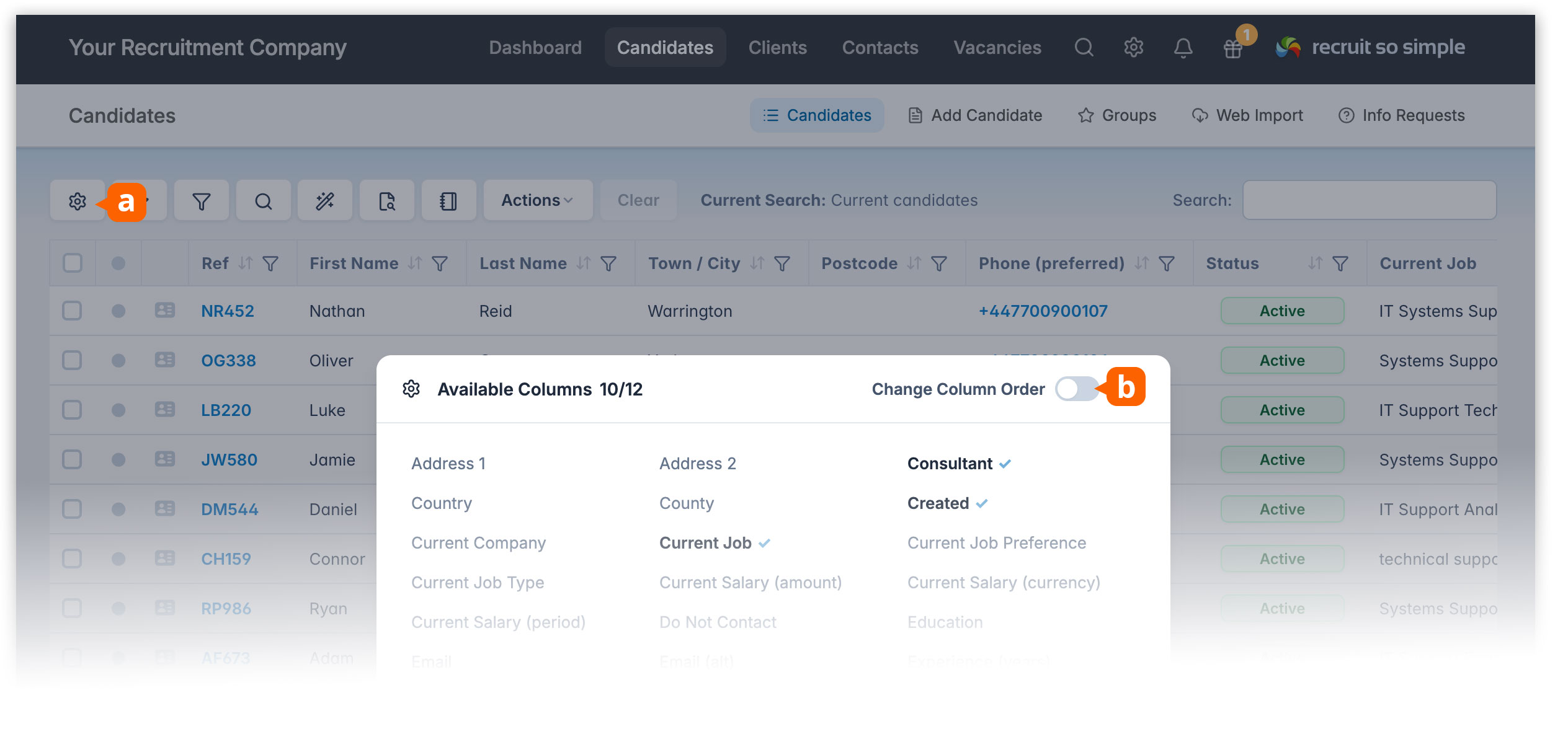
You can now customise the order of columns on the Candidates, Clients, Contacts and Vacancies grids.
- Click Show/Hide Columns [a]
- Click Change Column Order [b]
You can also save your preferred grid layout – including columns, sorting, filters and display options – by clicking Searches from the grid toolbar, and optionally setting it as your default view.