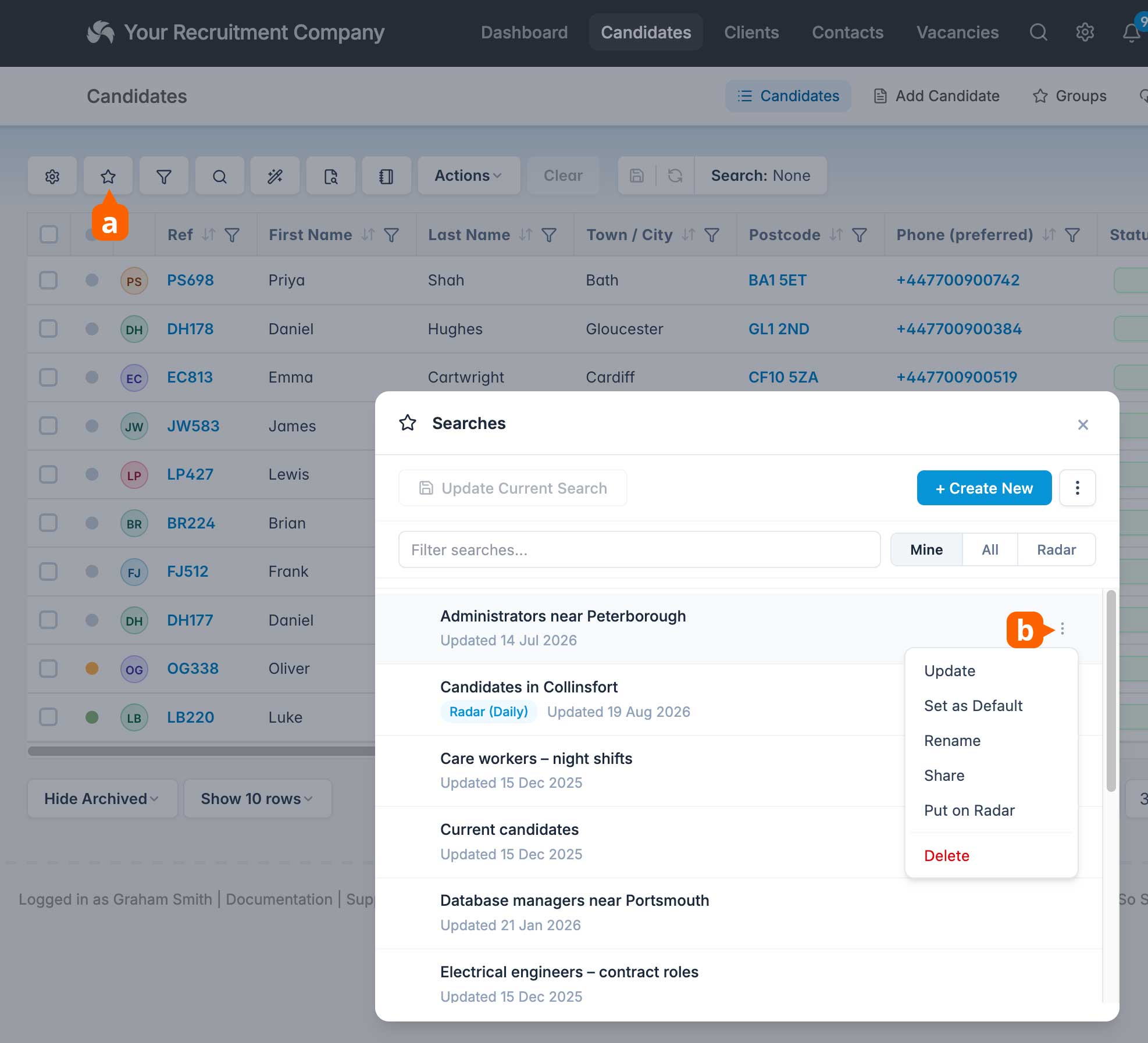
You can now enable a Radar for your saved searches. When applied to a search, the radar runs daily and will alert you when new candidates are found. This might be a new candidate added to the database that matches the search criteria, or an existing candidate that has been edited and is now a match!
Click the notification to see the new matches.
To add a Radar, open Searches [a], click the ellipses [b] for a saved search and choose “Put on Radar”.
You can have up to 25 Radars at any one time.