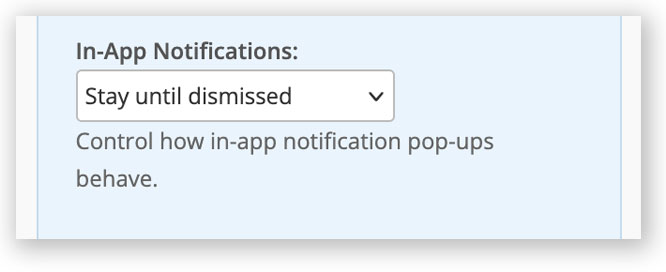
You can now choose how in-app notifications behave. These appear in the top-right of the screen for task reminders, ticket updates, and other system alerts. Choose between:
- Disable
- Stay until dismissed
- Auto-fade after 10 seconds
You can set your preference in [Settings > My Account > General].