
AI natural language searching (BETA)
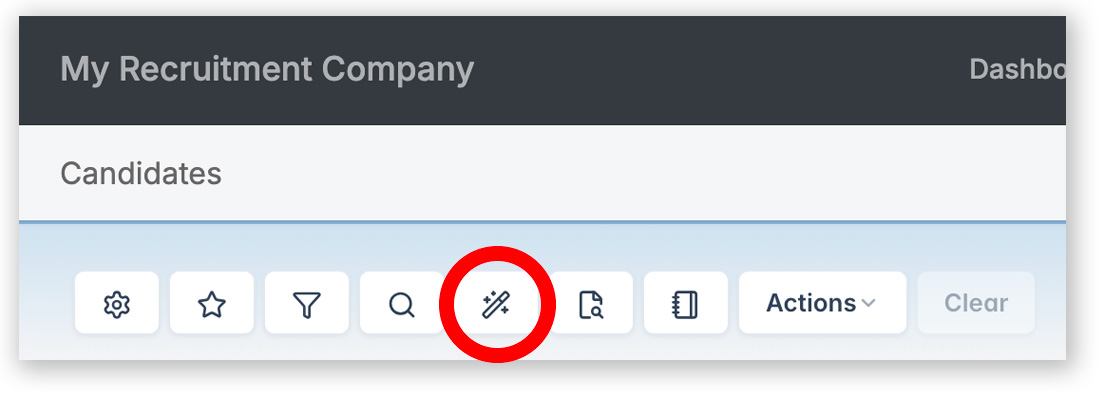
You can now search using natural language, making it quicker and easier to find the right candidates.
Examples:
- Senior developers with Python skills who have a Bachelor’s degree, added in the last 6 months
- Project Managers within 10 miles of SW1A with over 5 years’ experience
- Candidates with AWS certifications currently working as a Developer earning over £40,000
How it works:
AI interprets your search and automatically configures the Advanced Search builder (magnifying glass in the toolbar) to create the query. We recommend reviewing the Advanced Search builder, where you can edit and fine-tune the criteria selected by AI.
CV searching – Boolean conversion (BETA)
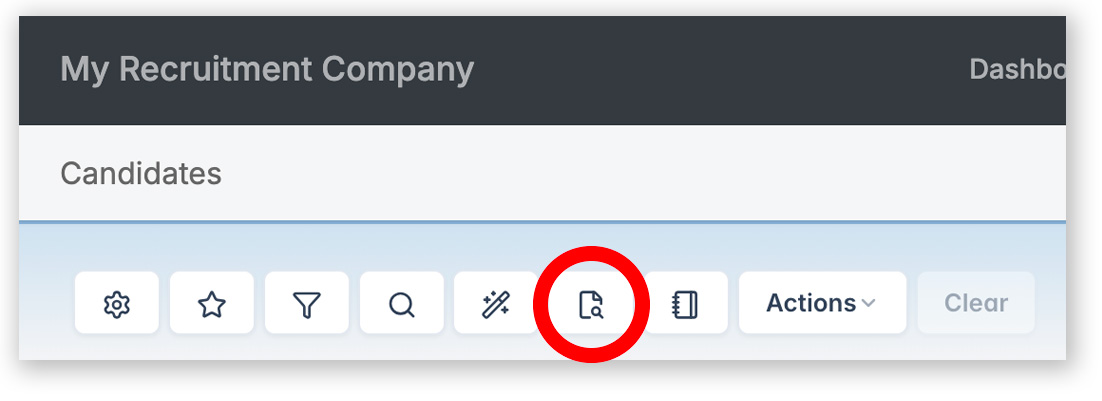
The Advanced Search builder (magnifying glass) uses symbol-based syntax for Boolean CV searches:
+ (plus) for AND, – (minus) for NOT, and no symbol for OR.
If you’re used to writing searches with AND, OR, and NOT, you can now enter your Boolean string as normal – the system will automatically convert it into the symbol-based syntax used in the Advanced Search Builder.
Examples:
- Java AND Python — must contain both
- Java OR Python — either one
- developer NOT junior — exclude junior
- “project manager” AND AWS — exact phrase + keyword
- (Java OR Python) AND senior — grouped logic
- tech* — wildcard: technical, fintech, biotech etc.
Note:
We recommend reviewing the Advanced Search builder, where you can edit and fine-tune the criteria selected by AI.
Examples comparing symbol-based and text-based Boolean syntax can be found in our documentation.
Journal Filter
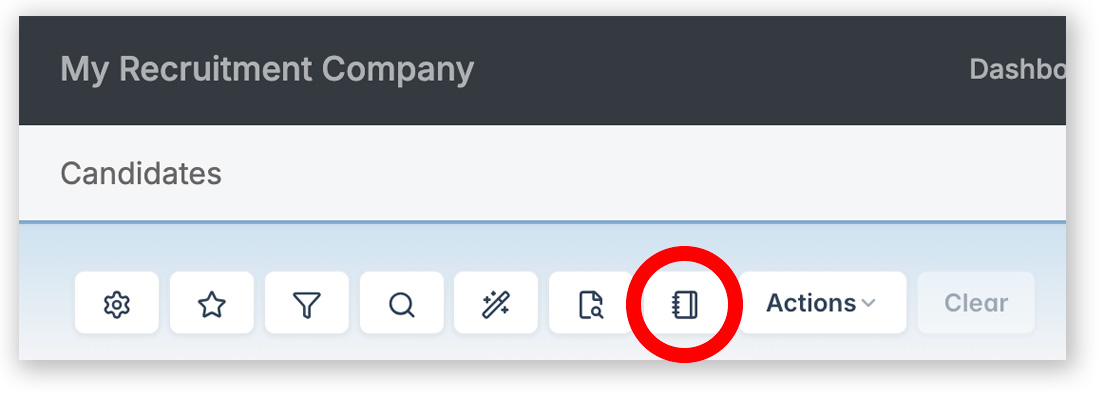
You can now filter records based on journal activity directly from the Candidates, Clients and Contacts grids.
- Filter by records with or without specific journal types.
- Filter by date range.
- Search within journal content, for example, show records with journals that contain GDPR or Terms Signed.