
This update introduces two improvements designed to give teams faster context and more controlled follow-up.
- Journal Summaries give consultants a quick recap of the latest activity on a record.
- The new Automation system lets teams build multi-step workflows with delays, conditions, limits and run history.
Journal Summaries
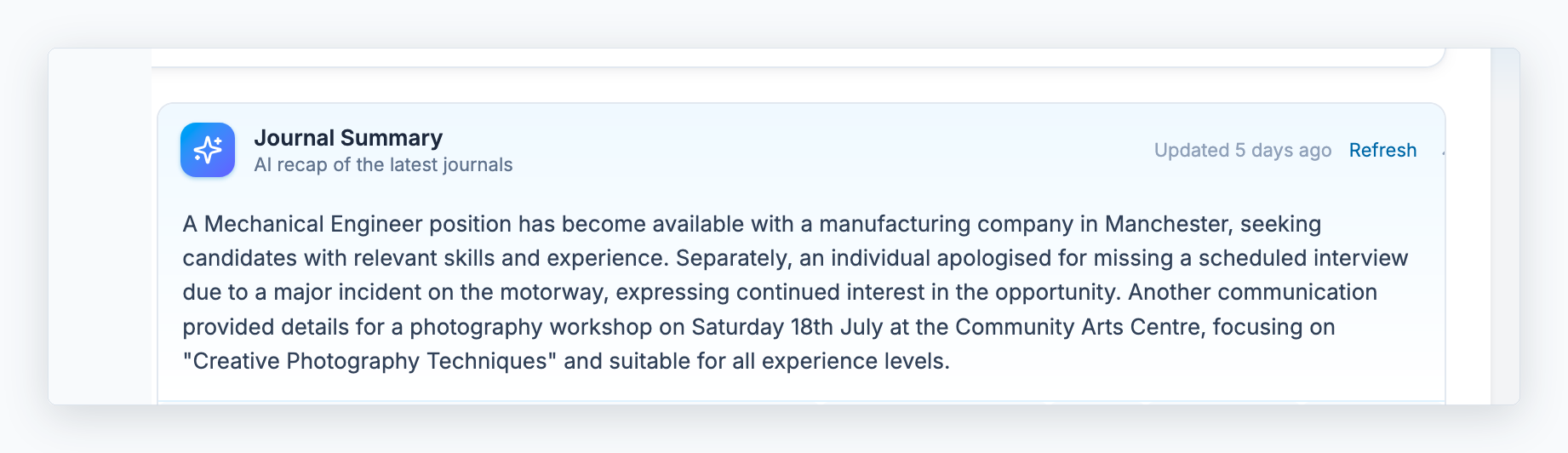
We’ve added automatic Journal Summaries to candidates, clients, contacts and vacancies.
When a record has journal entries, Recruit So Simple will summarise the three most recent journals into a short recap at the top of the Overview tab. This makes it easier to quickly understand recent activity without opening each journal individually.
The summary updates automatically when journal activity changes, helping keep the Overview screen useful and up to date.
New Automation System
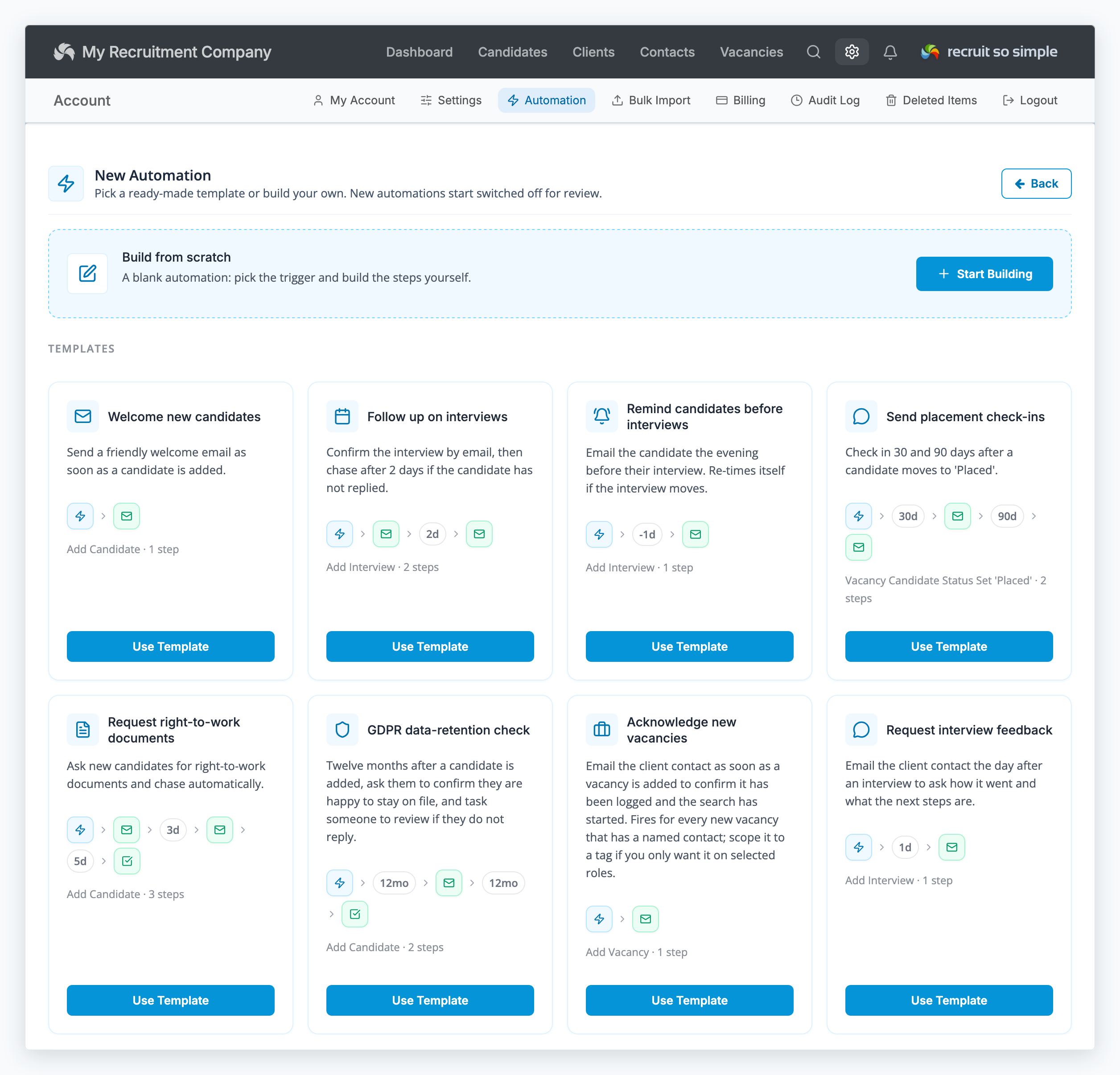
We’ve introduced a new automation builder, making it easier to create follow-up sequences and save time on repetitive tasks.
Automations can now include multiple steps, each with its own timing and conditions. For example, you can send an email when a candidate is added, wait a few days, then send a follow-up SMS, create a task, add a tag or notify a colleague.
Steps can run immediately, after a delay, or around key dates such as interviews and placement start dates. Automations can also react to replies, helping you avoid unnecessary follow-ups when someone has already responded.
The new editor guides you through setup in four stages: When, Steps, Limits and Review. You’ll also see a clear history of what has run, what is scheduled, and anything that was skipped or could not be completed.