
Settings > Branding
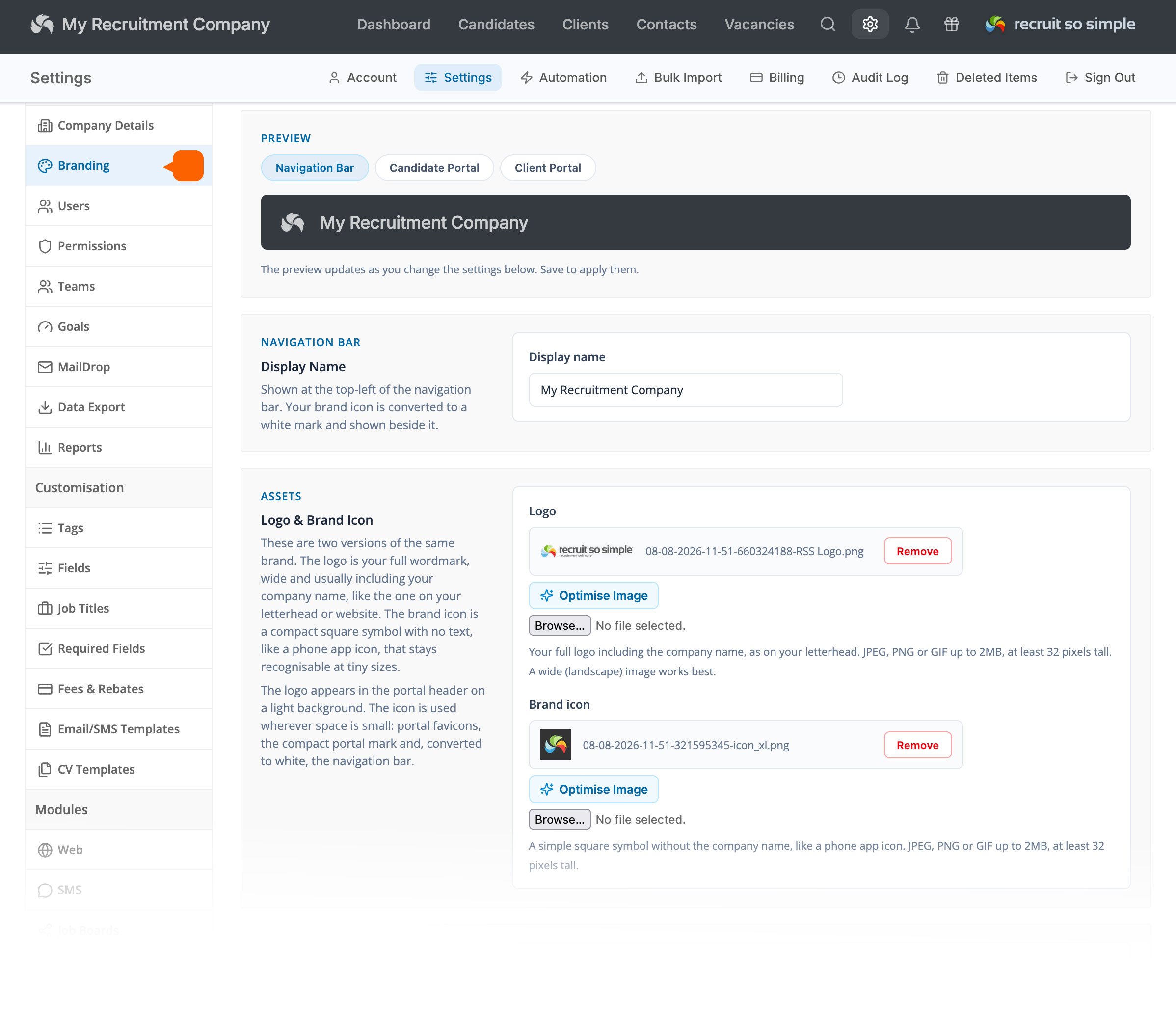
You can add your branding to the Recruit So Simple interface, Candidate Portal and Client Portal.
Display Name
The name displayed at the top of the Recruit So Simple interface.
Logo
Your long-form logo, typically including your logo and company name. This is used in the Candidate and Client Portal headers.
Brand Icon
A compact version of your logo, typically square. This is used where a smaller version of your branding is required.
Brand & Accent Colours
The brand colour is used for the portal sidebar, while the accent colour is used for buttons, links and other highlighted elements.
Contact, Website & Legal Links
Add your contact details and links to your website, Privacy Policy and Terms & Conditions. These are used by various features, including the built-in micro Job Board and the Candidate and Client Portals.