Tags must be removed from all records before they can be deleted from the system.
- Use the searching tools to find the records that contain the Tags that you wish to delete.
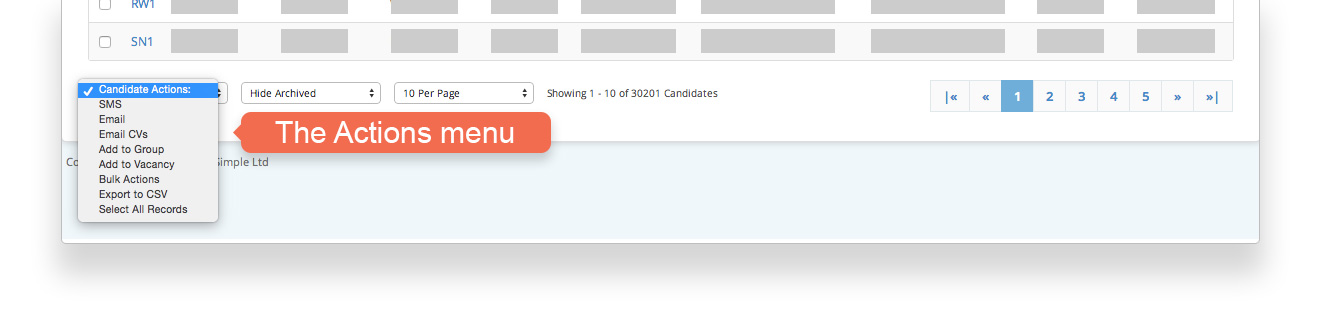
- Choose Select All Records from the Actions menu.
- Choose Bulk Actions from the Actions menu.
- On the Bulk Actions page select the Tags that you wish to remove.*
- Repeat until you have removed the Tags from all record types (Candidate, Client, Contact and Vacancies)
- Delete the Tags from the system entirely from [Settings > System Settings > Tags]
The Actions menu includes many useful options: