
- Select the contacts (or clients)* that you want to send the CV to:
- Select records from the Contacts main grid.
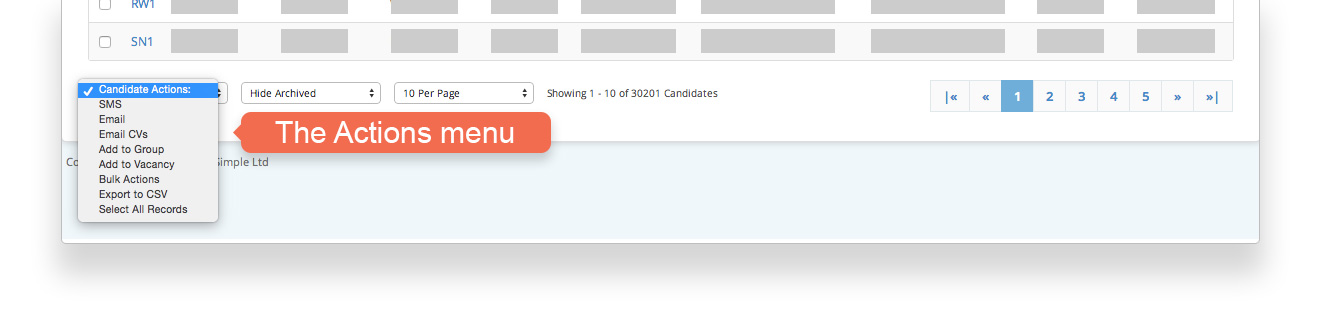
- Select all contacts by choosing Select All Records from the Actions menu.
- Select contacts from a Search result.
- Select all records in a search result by choosing Select All Records from the Actions menu.
- From the Actions menu choose Email
- On the email composing screen click Attachments
- Type the name of the candidate to choose their CV
- Alternatively upload a CV from your computer.
The Actions menu includes many useful options:
When sending to clients, you are given the choice of sending to just the main contact, or all contacts for the selected clients.