
Settings > System Settings > Email/SMS Templates
Compose email templates for when sending email from the system. You can select one of your saved templates when composing an email from [Dashboard > Email > Compose].
Choose a name and create either an email or SMS template.
- Insert merge fields, or edit to update the templates name.
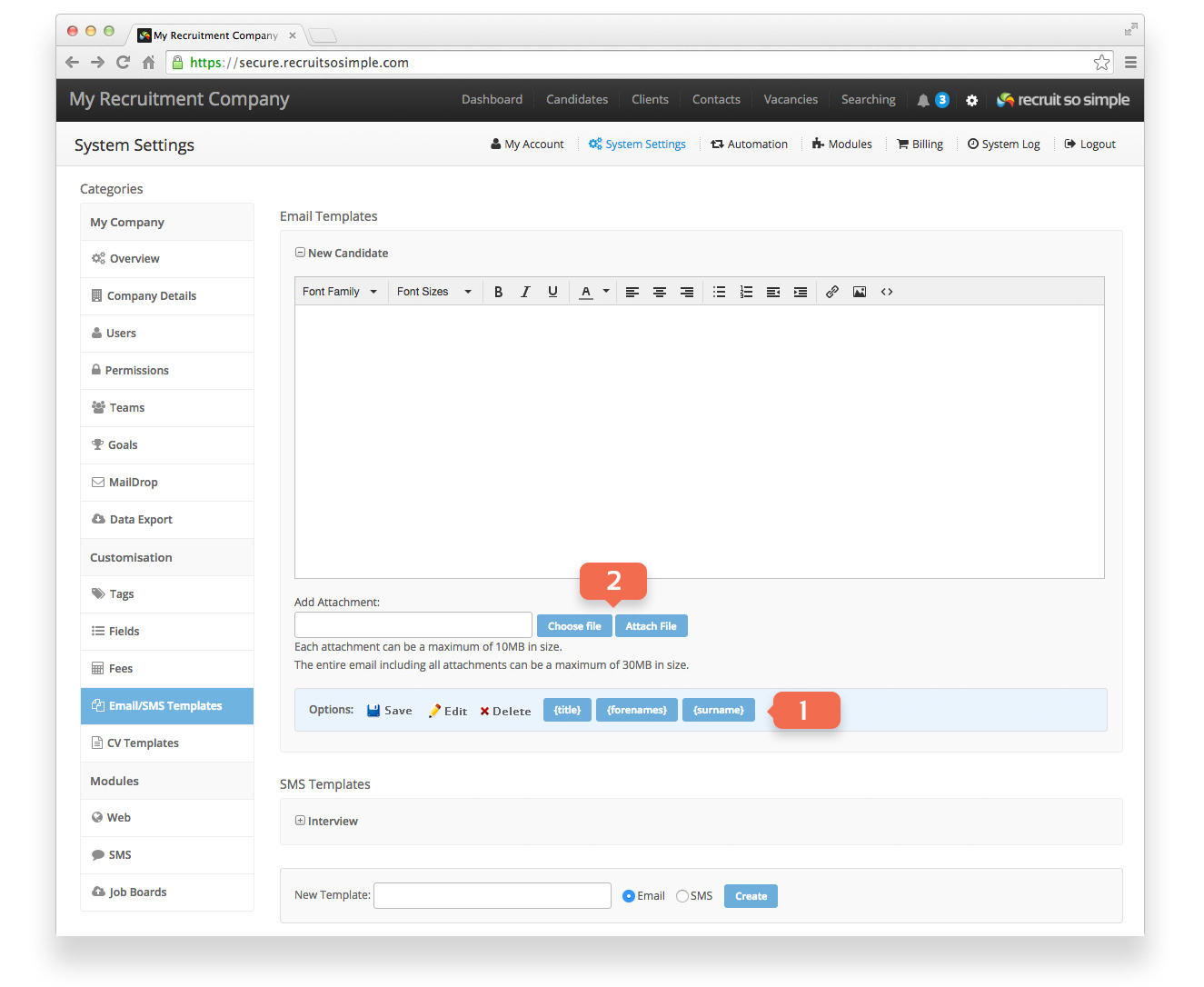
- Add attachments to your email templates. Each attachment can be a maximum of 10MB in size, and the entire email including all attachments can be a maximum of 20MB in size.
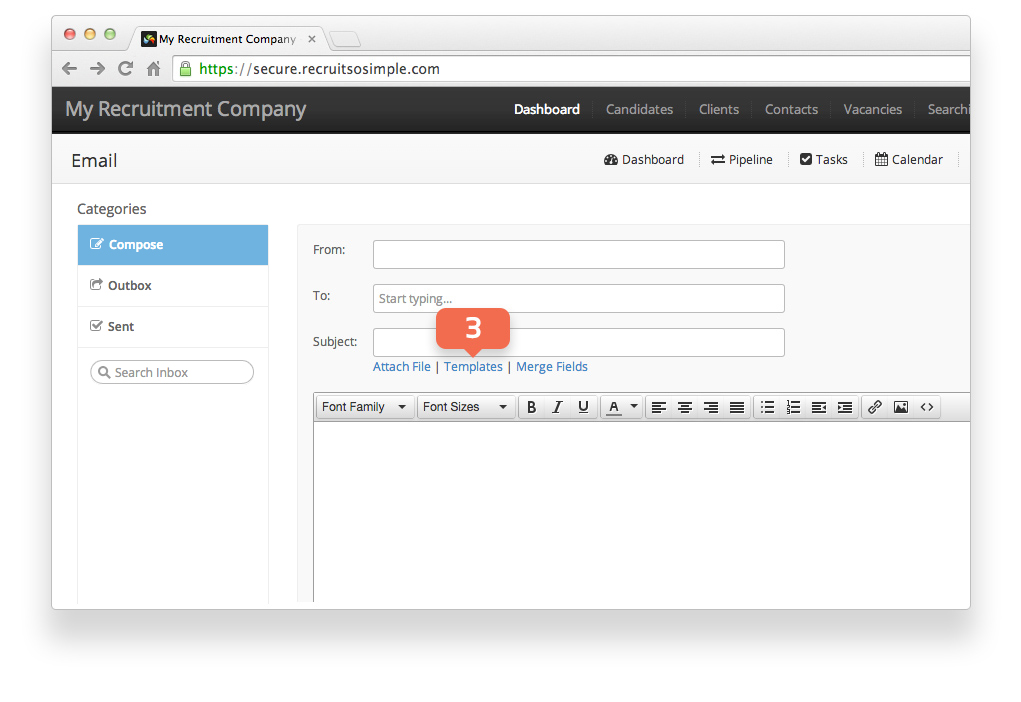
- Choose a template when composing an email from [Dashboard > Email]
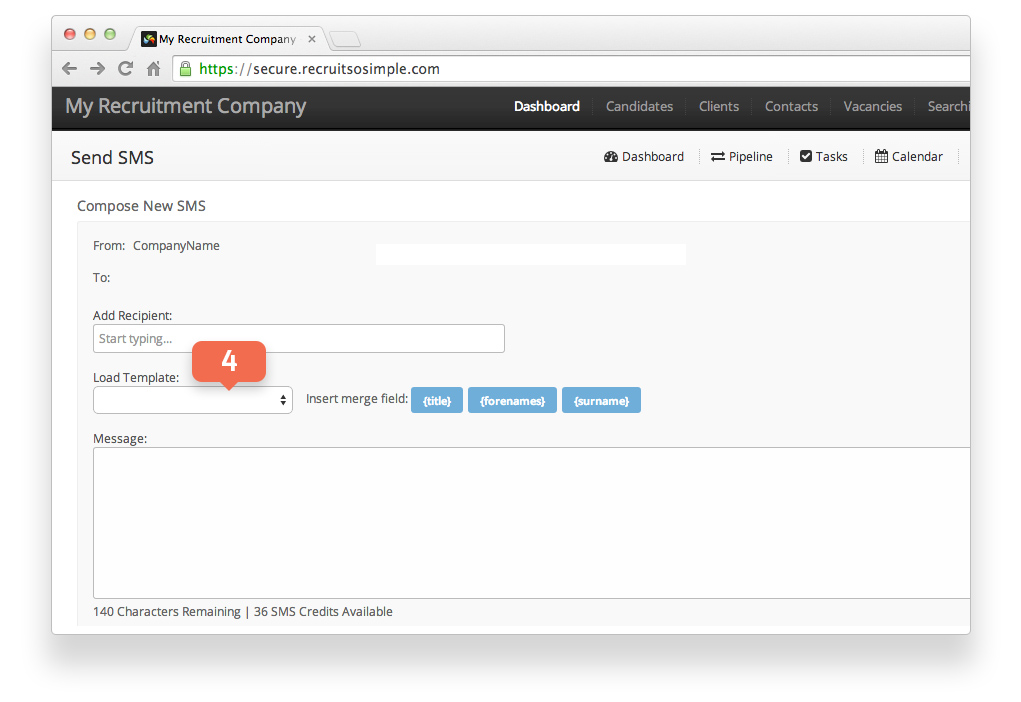
- Choose an SMS template when composing an message from [Dashboard > SMS].
You may also want to explore the automated email feature. This allows you to create templates that the system sends out when triggered by an event, for example when adding an interview.