Sharing a vacancy
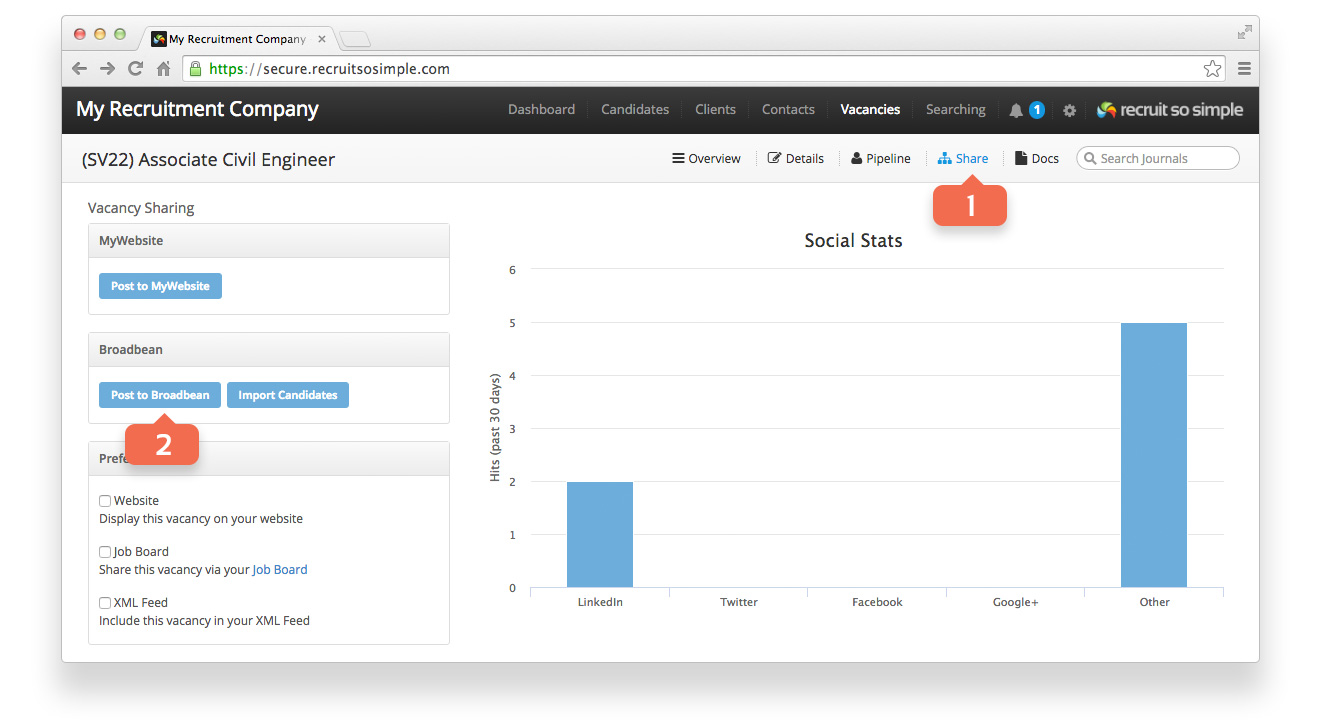
- Open a vacancy record and go to its Share screen.
- Click Post to Broadbean.
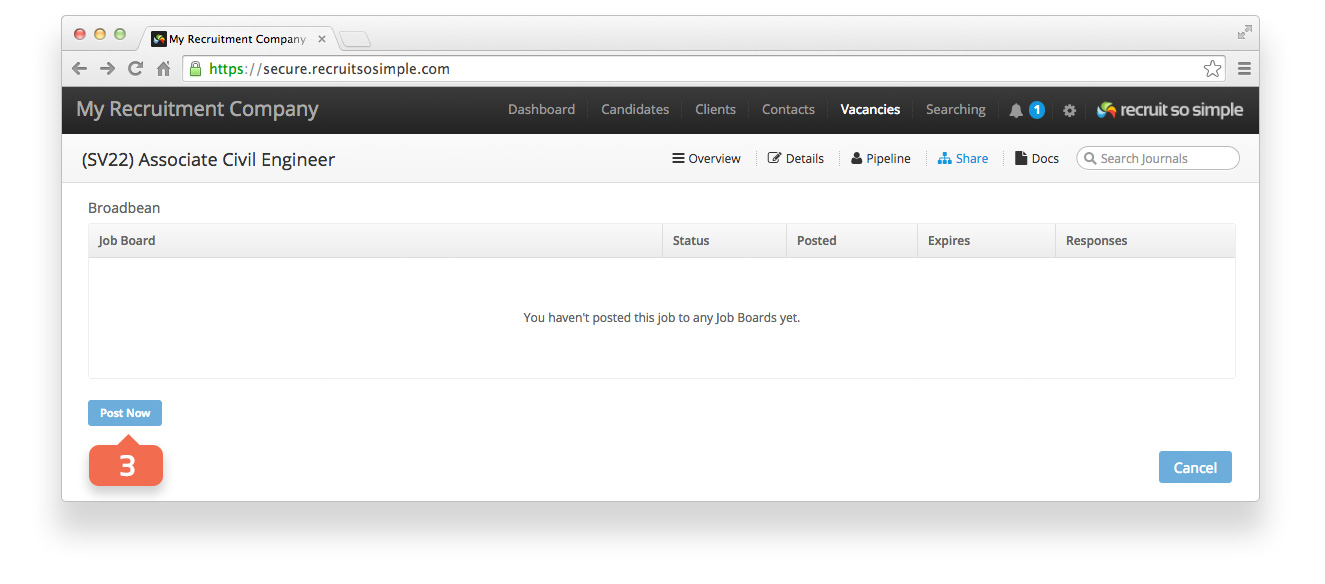
- Click Post Now.
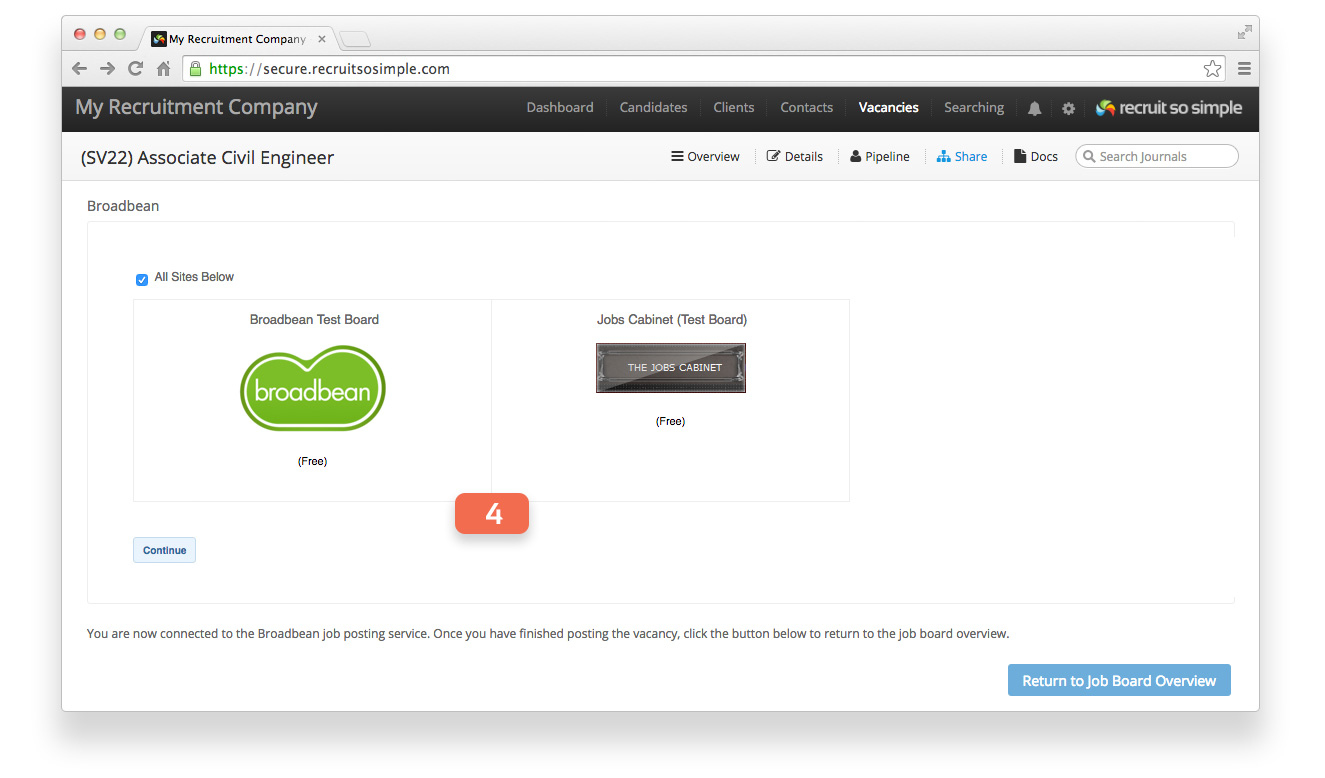
- Select from your subscribed job boards. Note that at this point you’re using Broadbean as if you were logged in directly via their website. Important note: Do not change the Job reference, this is used to match the applicant to the correct vacancy.
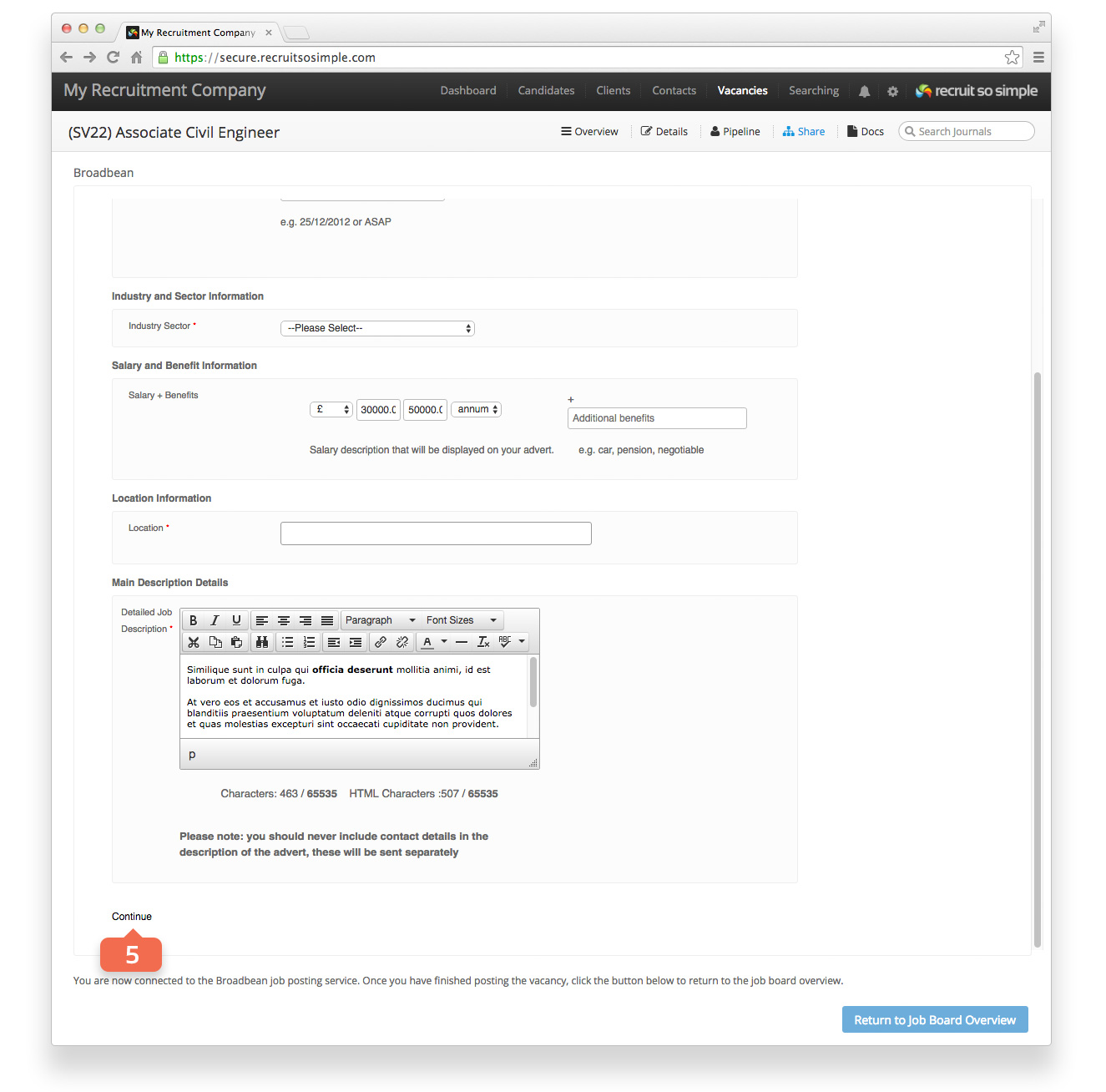
- Vacancy details will be automatically pulled through. Follow the steps as if logged in to your Broadbean account.
Importing applications
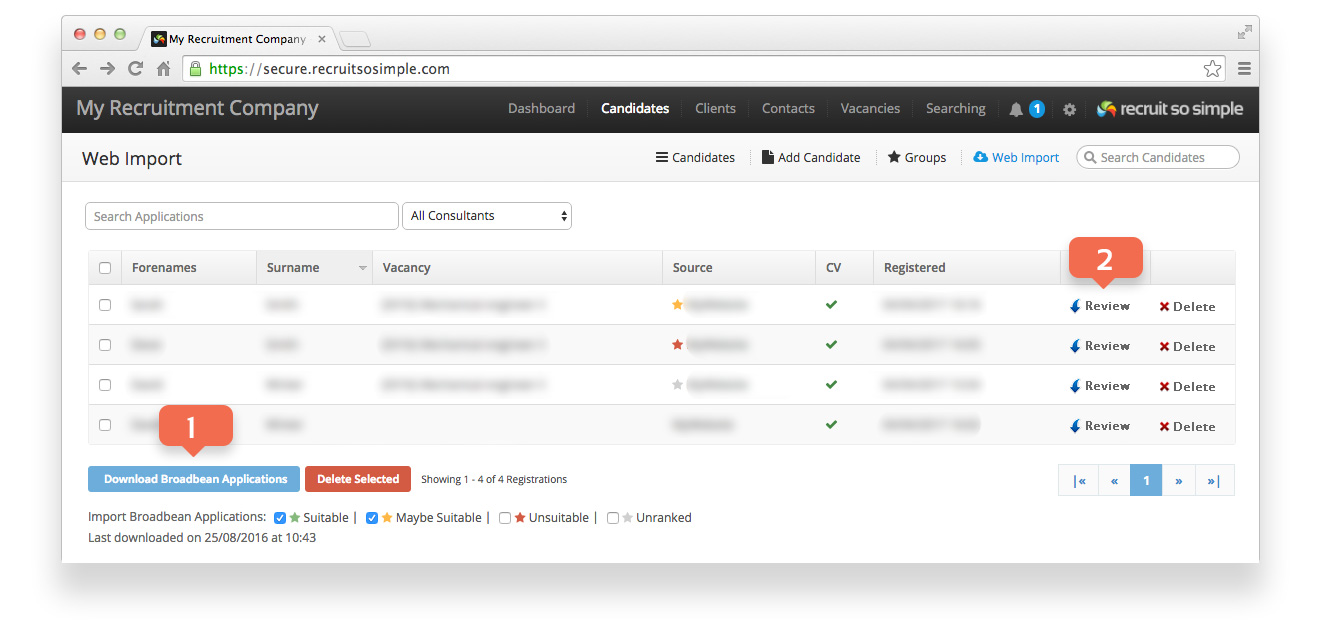
- Download applications from [Candidates > Web Import]. If you wish, you can flag candidates in Broadbean first, and then choose which to download, for example, ‘Suitable’ and ‘Maybe Suitable’.
- Delete an application or click Review to add a candidate to your database.