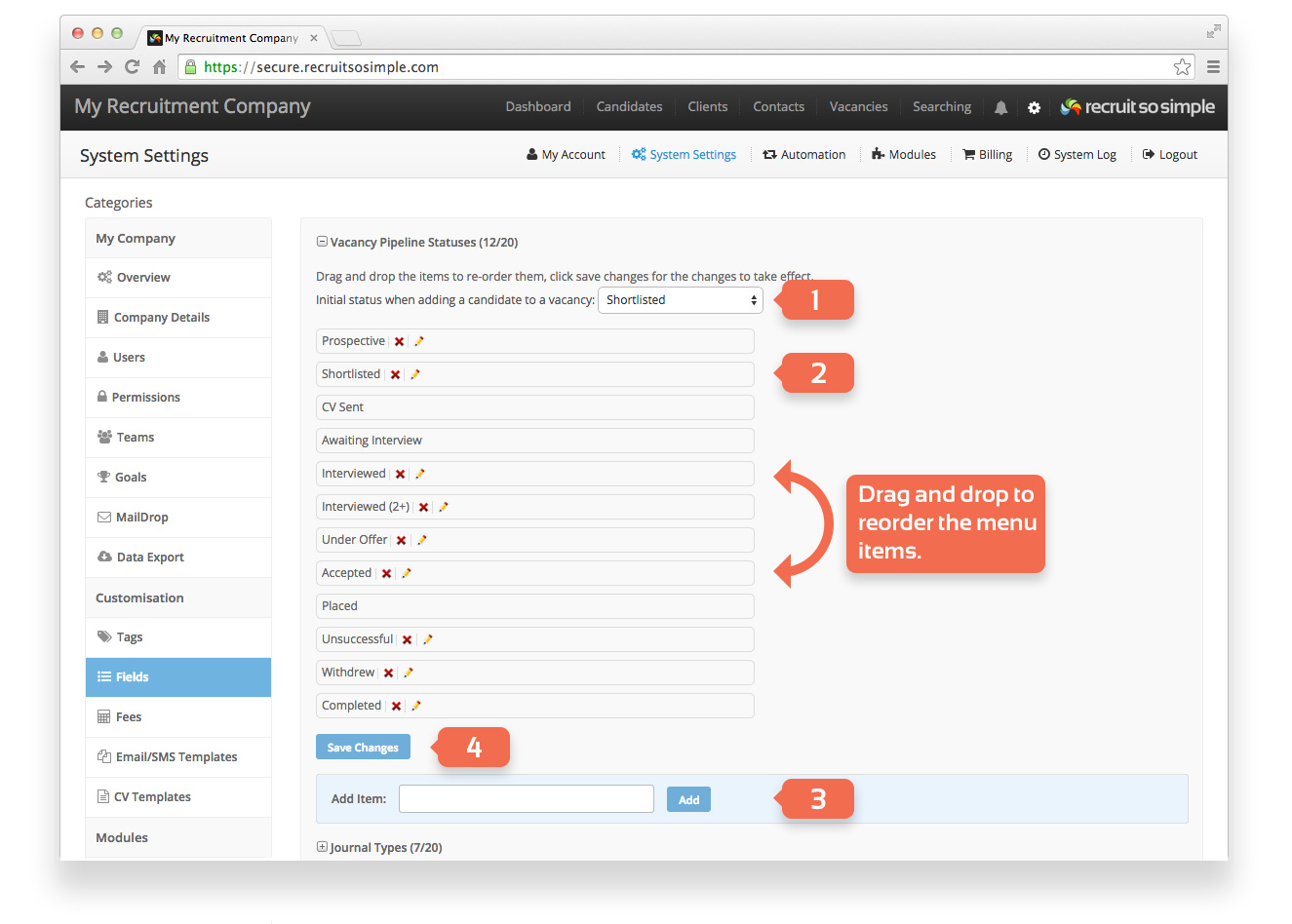
Menus and options that are customisable can be found here. To add and edit your own list items click the + icon. The following menus can be customised with your own content:
- Vacancy Pipeline Statuses (vacancy Pipeline screen)
- Journal Types (candidate, client, contact and vacancy records)
- Business Areas (client records)
- Candidate Sources (candidate records)
- Candidate Statuses (candidate records)
- Client sources (client records)
- Driving Licences (candidate records)
- Holidays (specify holiday entitlement when adding vacancies)
- Nationalities (candidate records)
- Titles (used throughout the system)
Custom Pipeline Statuses
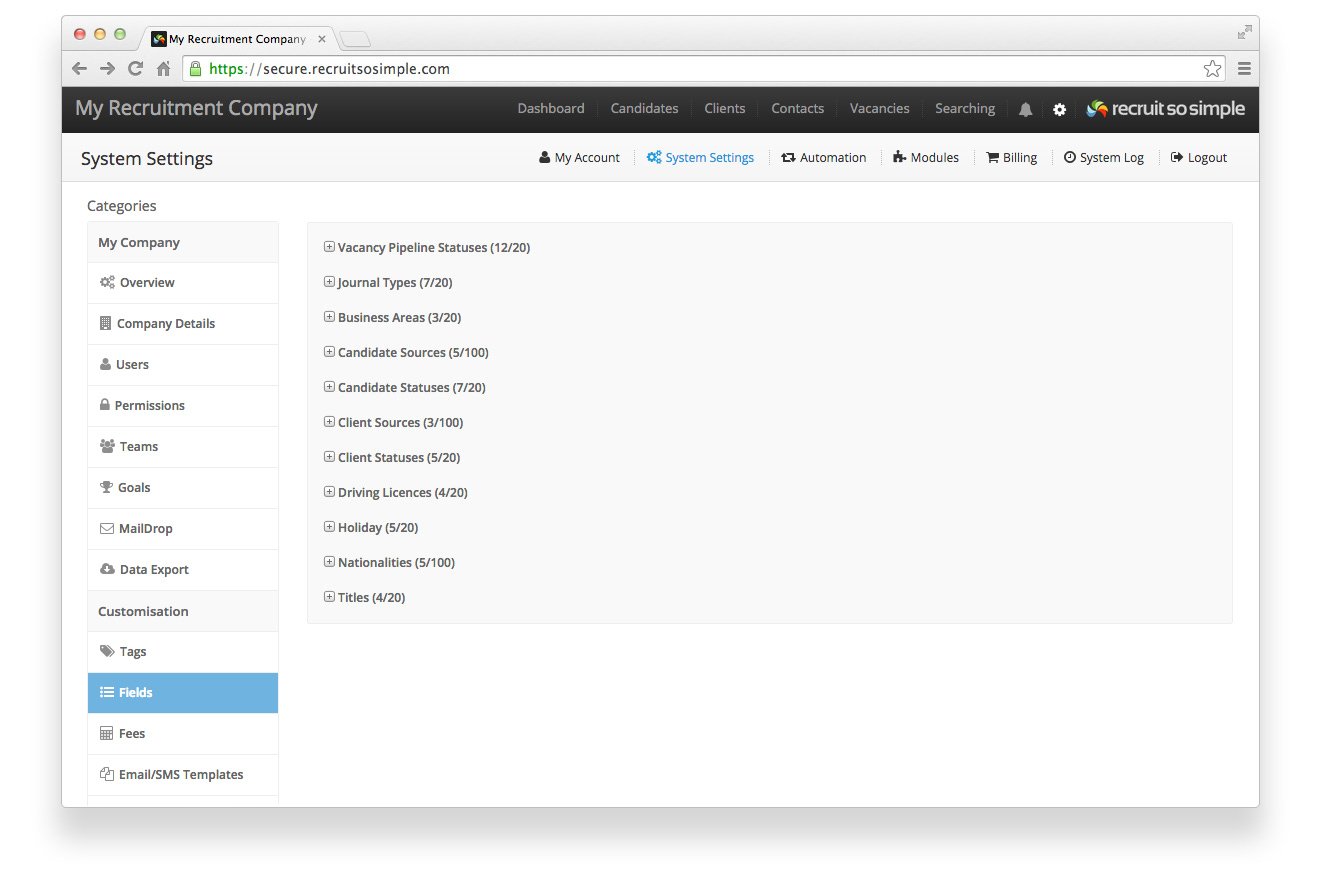
Add your own statuses for use in a vacancy’s Pipeline screen.
- Choose a default status
- Edit (change the name) or delete* the status. Drag and drop menu items to reorder them.
- Add a new status
- Save your changes
Note that statuses can not be deleted if they are in use.