
Use labels to visually identify and categorise candidates, clients, contacts and vacancies.
You can create your own labels, choose a colour for each, and display them as a column on the relevant grid for quick reference. Each record can have one label, making it a clear and consistent way to highlight its current category or priority.
Labels can be used however you like. For example, you could label vacancies as On Hold, Pending or create client labels such as Prospective, or Exclusive.
Labels can help with team working by giving everyone a shared visual reference when reviewing records. Labels work alongside record statuses, tags and user ratings, giving another flexible way to organise and manage your database.
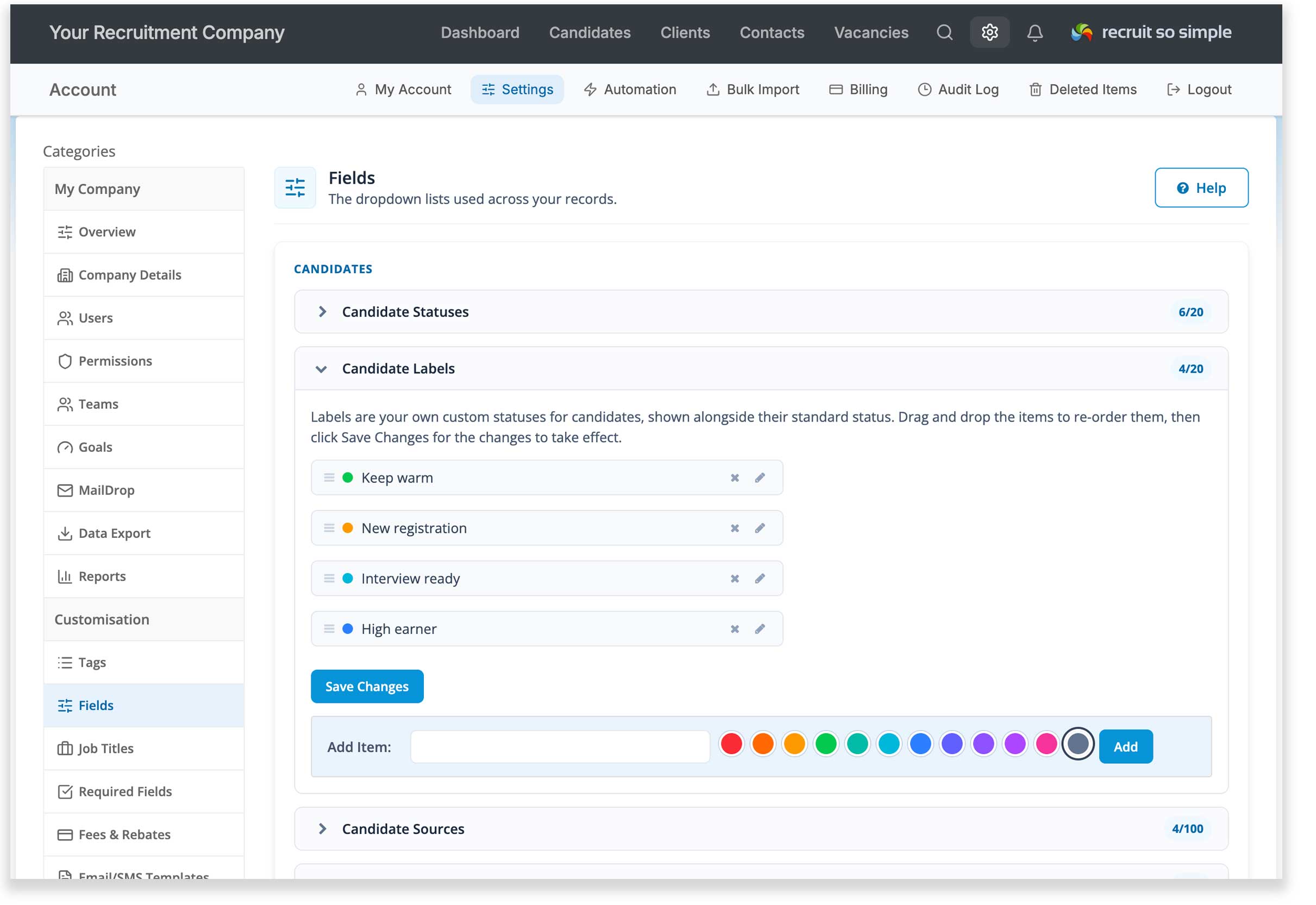
You can add labels for candidates, clients, contacts and vacancies in [Settings > Fields].
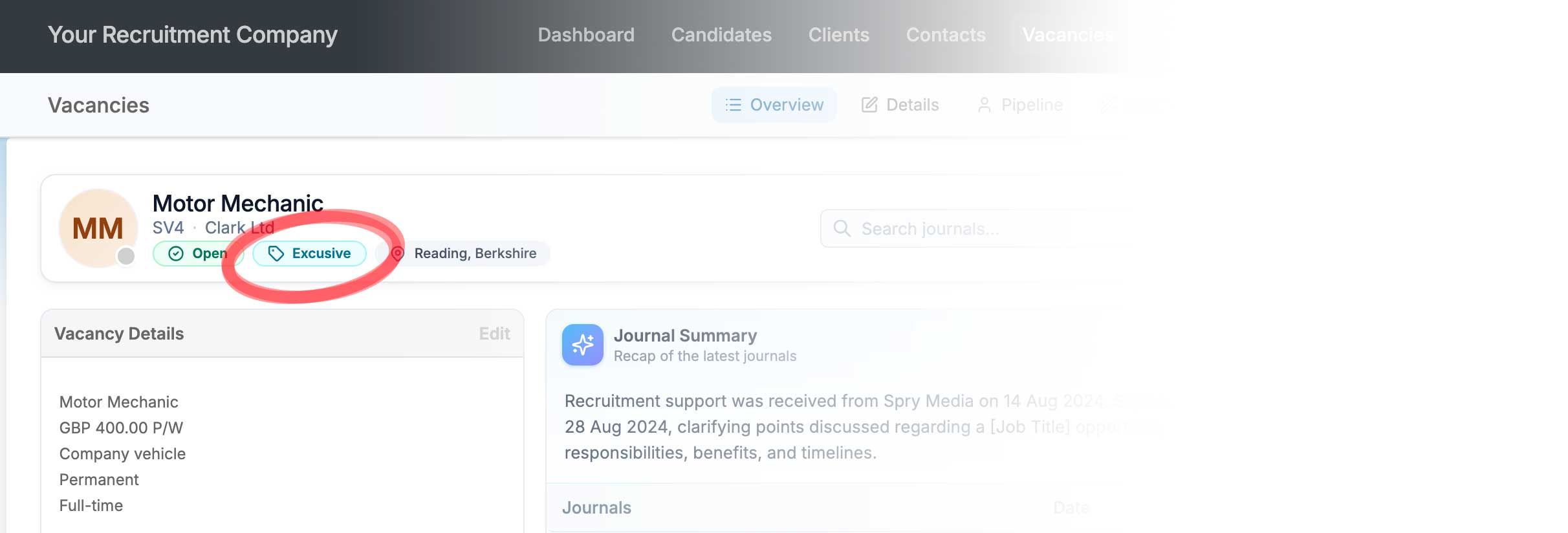
Apply a label to a record by clicking the record’s label in the header:
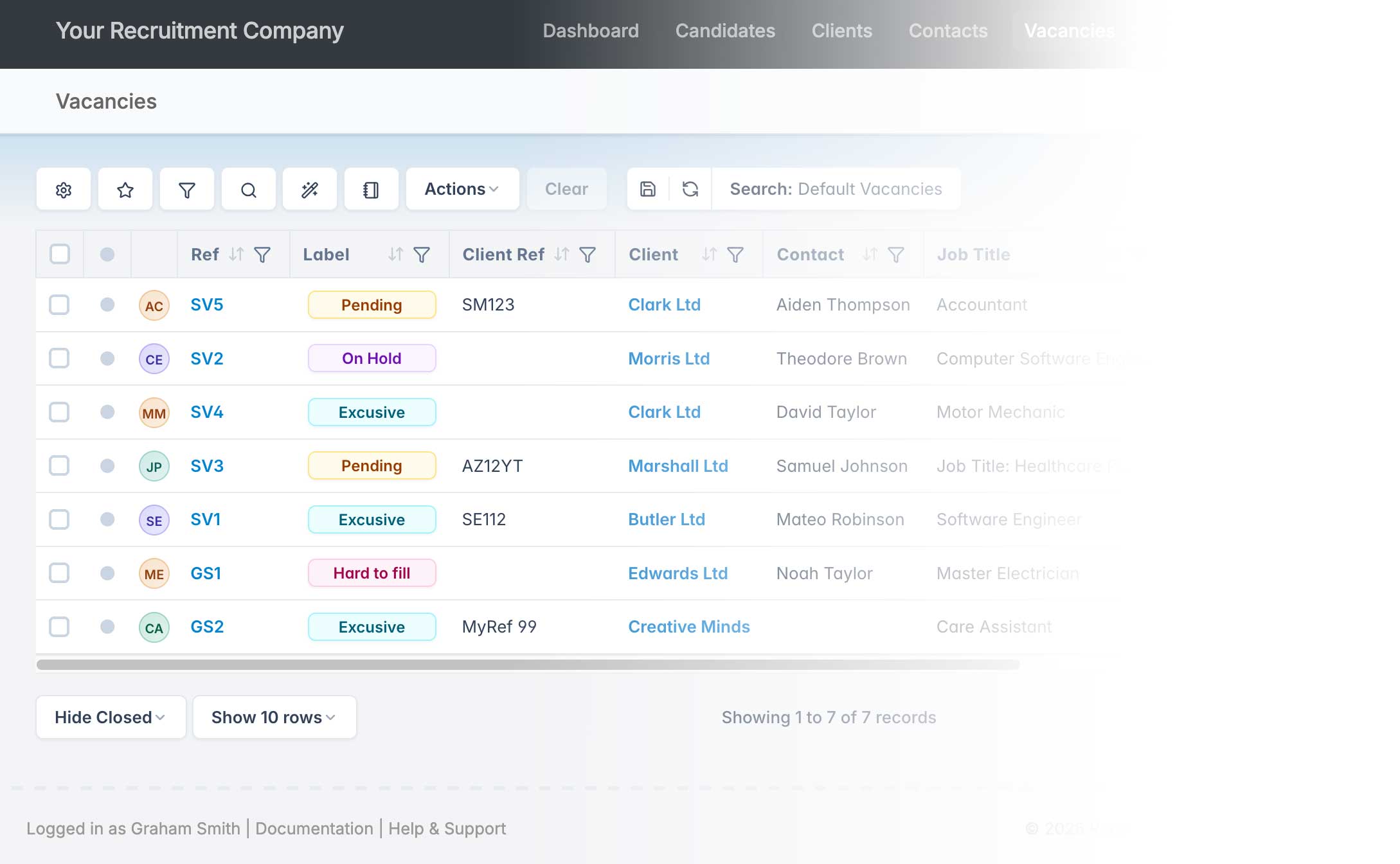
Add labels to the grid for sorting and filtering:
Bulk Actions
Select records from the grid and choose Bulk Actions from Actions menu to apply a label to multiple records