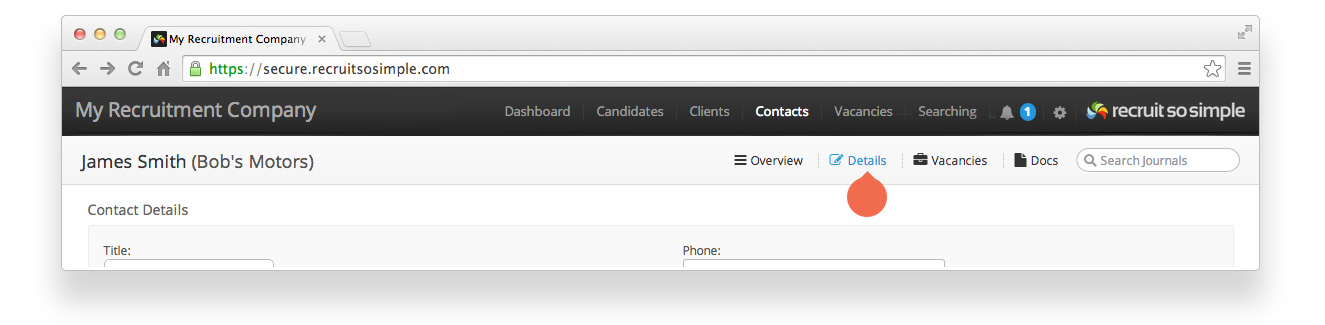
Candidate, Client, Contact and Vacancy records all have a Details screen. The contents and options set on the details screen are searchable. A Contact’s details screen contains, and can be used to update, the following information:
Contact details
- Name
- Address
- Contact information
- Site (a client may have multiple sites, specify which site this contact belongs to).
- Specify if this person is the main contact for the client. Main contacts are used when emailing clients.
- Notes (free text to add any additional information).
Social Media & Web
- Links to the candidate’s social media.
Tags
- Tags are our ad hoc labelling feature. You can read bout Tags here.
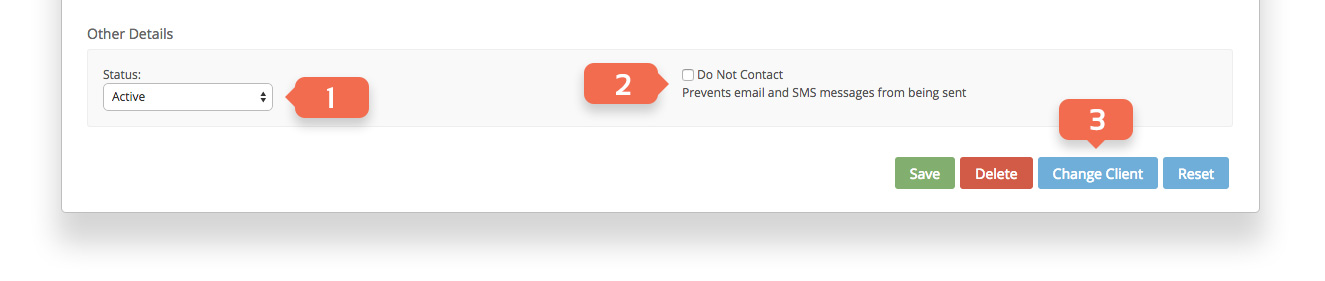
Other Details
- Change the status of your contact to ‘Active’ or ‘Archived’.
- Enable ‘Do Not Contact‘ to prevent this person from being emailed or SMS messaged.
- You can move a contact to another client (while retaining journals and notes).