Add a Radar to a saved search to receive a notification when new matching candidates are found. Radars run daily.
The Radar checks both newly added candidates and existing candidates whose details have been updated.
Click a notification to view the new matches, or click Show all to see all matching candidates. To return to just the new matches, click the link in the notification again.
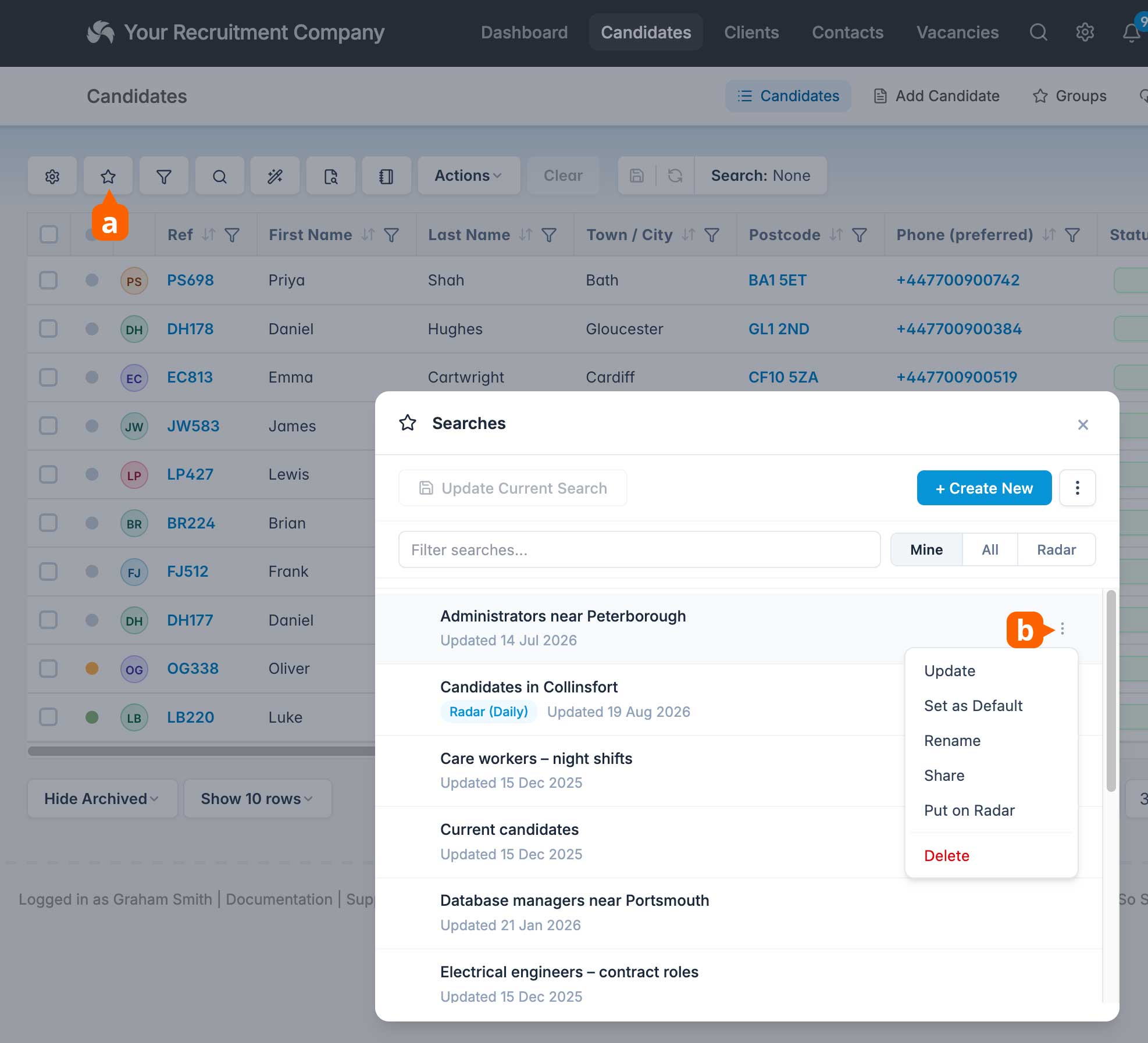
To add a Radar, open Searches [a], click the ellipses [b] for the required saved search, and choose Put on Radar.
You can have up to 25 Radars active at any one time.