
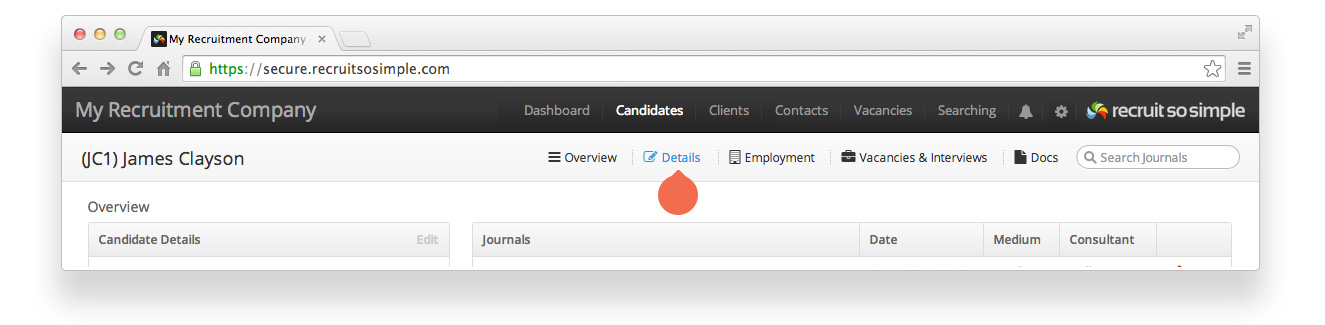
Candidate, Client, Contact and Vacancy records all have a Details screen. The contents and options set on the details screen are searchable. A candidate’s details screen contains, and can be used to update, the following information:
Personal details
- Name
- Address
- Contact information
- Nationality (add your own nationalities from List Menus)
- Driving licence type (add additional driving licence types from List Menus)
- Notes (free text to add any additional information)
Contact Details
- Telephone, email address, preferred contact time.
Social Media & Web
- Links to the candidate’s social media.
Tags
- Tags are our ad hoc labelling feature. You can read about Tags here.
Other Details
- Change the status of your candidate (Active, Archived, Do Not Use, Not Looking, Placed Externally, placed internally).
- Source (for example, headhunted, web registration…). Add your own sources from List menus.
- Marking your candidate as ‘Do Not Contact’ will prevent emails and SMS messages from being sent.
- Managing Consultant