
[Dashboard > Reporting]
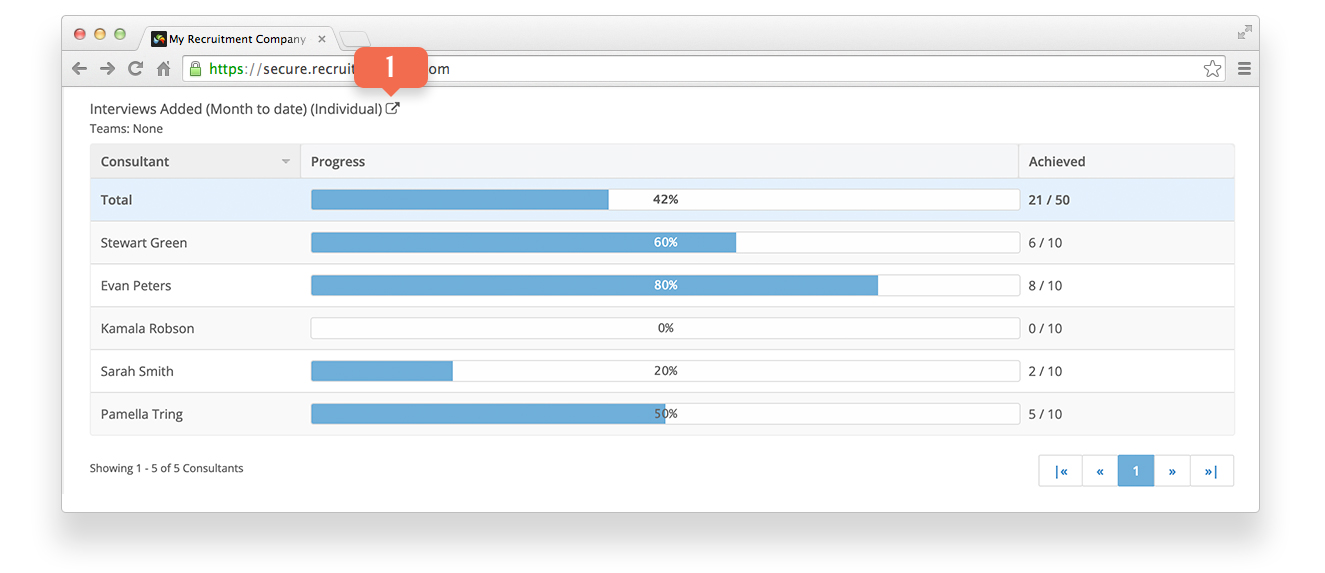
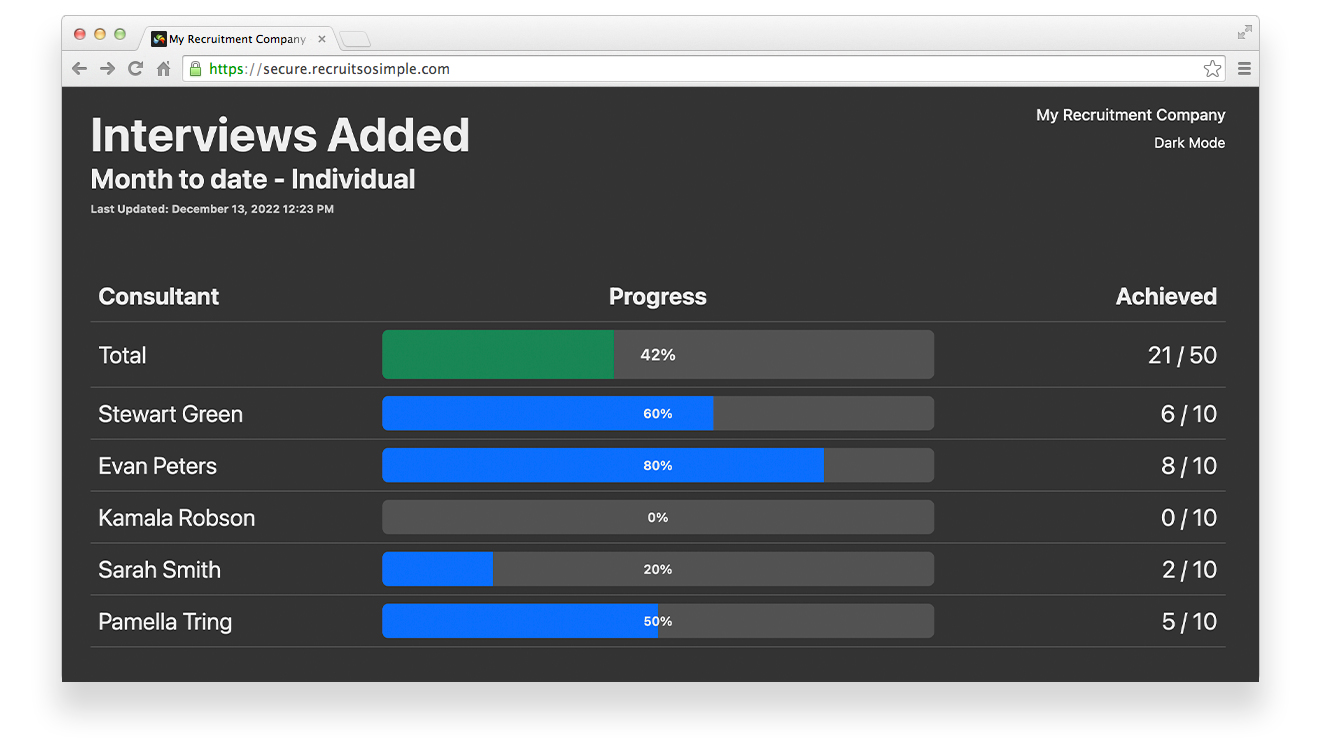 Goals can be displayed full page, ideal for displaying on a TV screen. To open a goal in full screen view, first generate a Goals report from [Dashboard > Reporting]. Scroll to the required goal and click on the share icon located next to the goal’s title [1].
 Features include:
- Use the goal’s unique URL in any web browser on any device.*
- Real-time tracking (refreshes every 10 seconds)
- Can be switched between dark and light mode.
- Arrange browser windows to show two or more goals.
*To revoke access to previously generated full-screen goals, reset your Goals API Key in [Settings > System Settings > Goals].