
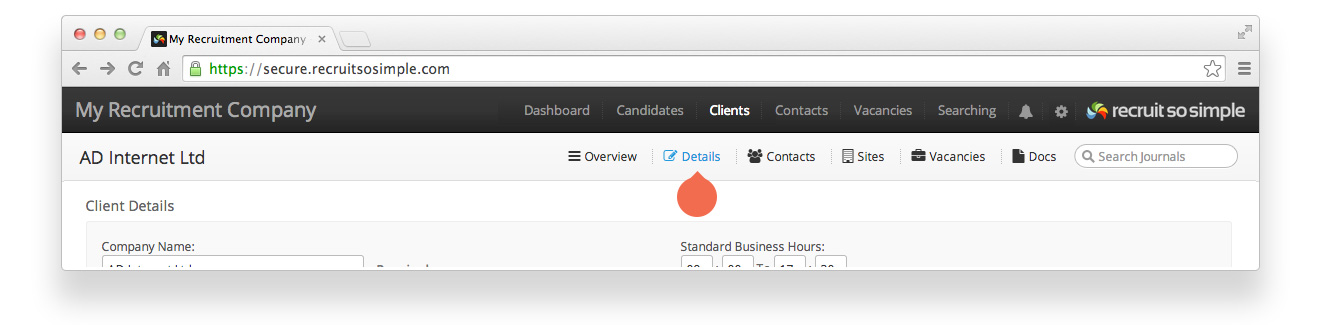
Candidate, Client, Contact and Vacancy records all have a Details screen. The contents and options set on the details screen are searchable. A client’s details screen contains, and can be used to update, the following information:
Client Details
- Company name.
- Business Area (add your own business areas from List Menus)
- Number of employees
- Standard business hours
- Standard holidays (add your own holiday periods from List Menus)
- Notes (free text to add any additional information)
Social Media & Web
- Links to the client’s social media.
Tags
- Tags are our ad hoc labelling feature. You can read bout Tags here.
Fees
- If you’ve set up fees in System Settings you’ll see them appear here. If you want to set individual fees for this client only, you can either edit an existing fee, or add a new one.
Other Details
- Change the status of your client’s (Active, Archived, Do Not Use, Folded, Prospective). Add your own client statuses from List menus.
- Source (for example, headhunted, web registration…). Add your own sources from List menus.
- Managing Consultant
- Enable ‘Do Not Contact‘ to prevent any emails or SMS messages being sent to this client’s contacts.